A little trust can go a long way

A little trust can go a long way

Countless employers still don’t trust their people to do their best work unless they’re physically in the office. But while managers may be struggling to adjust to our new hybrid world, this perception is a long way from the truth.

Research from around the world reveals that greater flexibility from remote and hybrid working often results in a major boost to productivity. Yet still some firms are bringing back an office-only policy.

Employers may be grappling with the fallout of the last few years and hoping that a return to the office will result in a post-pandemic productivity boost.

But seeing as hybrid workers show improved morale, greater creativity and better collaboration (compared with pre-pandemic levels), this could be a big step in the wrong direction.

Big Brother will never be popular

Some businesses have increased their employee monitoring to try and track performance. But this is often perceived as a Big Brother tactic that ends up having the opposite effect – a drop in productivity, a lack of trust, demoralized teams, and a greater feeling of ‘us and them’.

All businesses need to understand how they are performing and decide which metrics give the best insight into productivity. But this has to be done in a way that doesn’t leave employees feeling like cogs in a machine.

So what’s the answer?

There is some clear advice for building a productive and successful hybrid environment:

  • Encourage people to work in the way that’s best for them
  • Find the right ways to measure performance – without people feeling like they’re constantly being watched
  • Automate repetitive tasks to free up your team’s creativity
  • And provide everyone with the tools and tech they need to do their job properly. That could include choosing the right devices, using communication tools that aid collaboration, and making the right connectivity choices.

We can help with all of this.

So if you’re having trouble adjusting to a hybrid world, get in touch – we’re here to help.

Published with permission from Your Tech Updates.

Windows is the prime target for cyber criminals

Windows is the prime target for cyber criminals

With its huge dominance in the workplace, Microsoft’s Windows has become the prime target for cyber criminals. They’re looking to access your information, disrupt your business, or hold your data to ransom.

Tens of millions of attempted malware attacks were discovered throughout this year, and a massive 95% of those threats were targeted at Windows.

The vast majority of attacks are unsuccessful, but those that do succeed can create havoc for the affected businesses. So you need to be sure that you’re taking all possible precautions to protect your business and your data.

  • Hardware and software companies release regular updates to address threats to Windows users, as well as security patches designed specifically to deal with new risks. These should all be installed as soon as they become available.
  • Your people should be regularly trained in how to spot cyber security threats and what to do if they suspect one.
  • And because it’s not possible to protect every business from 100% of all threats, it’s also important that you have a strong resilience plan in place.

This should detail exactly how your business should react if it falls victim to a cyber attack and who should be notified to take action. Everyone in the company should have access to this document and know to report any potential attack as quickly as possible – that’s the best way to lessen its impact.

If you have an IT service provider, they’ll be able to make the best recommendations to keep your business safe and secure, train your people, and even provide monitoring to spot any potential danger before it becomes a problem.

This is something we do every day. So if we can help your business become more resilient, just get in touch.

Published with permission from Your Tech Updates.

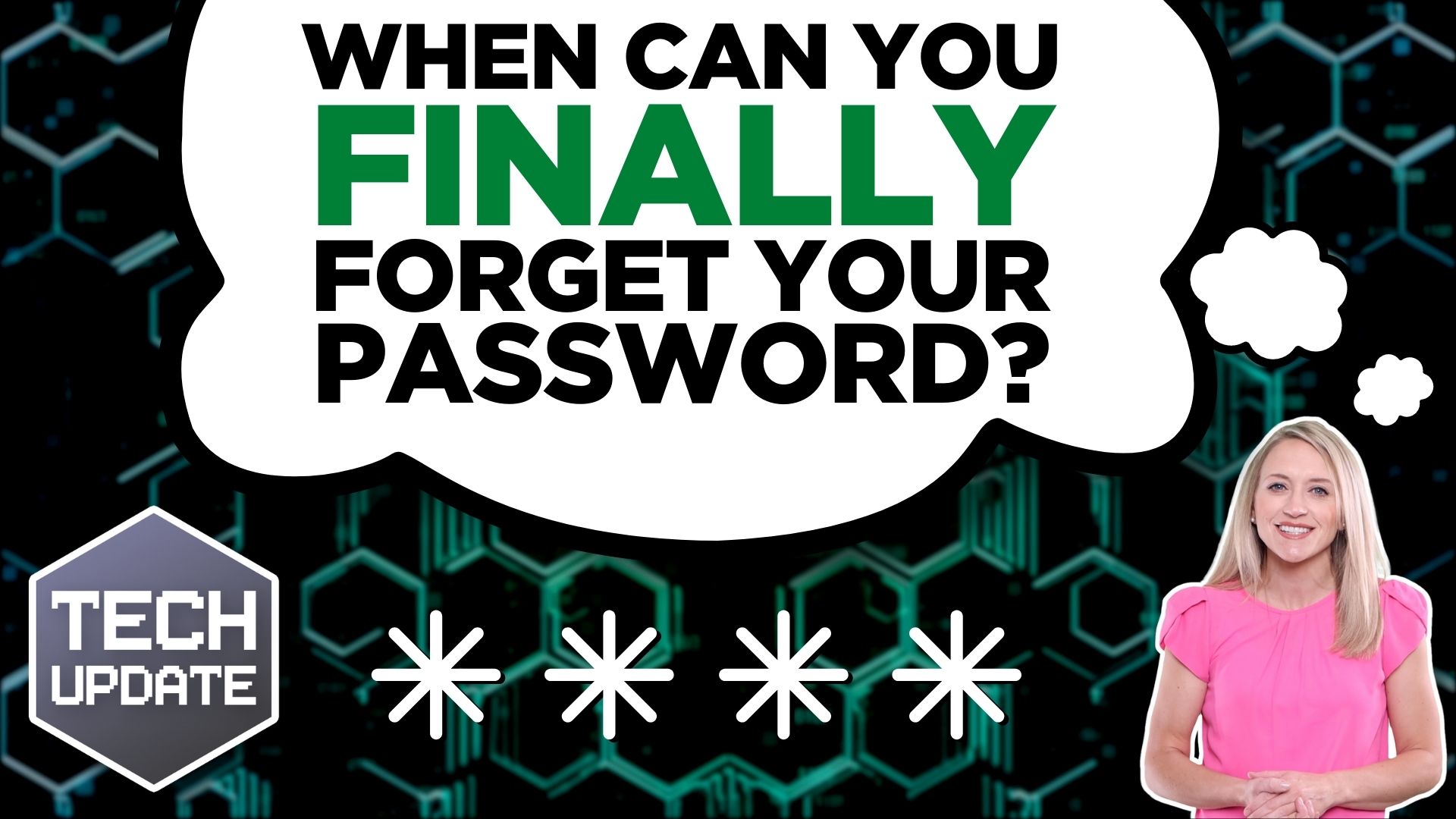
When can you finally forget your password?

When can you finally forget your password?

Passkeys are set to take over from traditional passwords to give us a safer, more secure way of logging into our online accounts.

That will be a major step forward for online security, and it’s gathering pace quickly with more and more big names adopting the technology. So how long will it be before we finally wave goodbye to the password?

This new tech has long been supported by the FIDO alliance – an organization of big tech companies including Apple, Google, and Microsoft – in the hope that it could eventually kill off passwords completely.

These megabrands are already rolling out passkeys on some of their applications. But now some of the big names in password management software are getting in on the act, too, which is likely to speed things up even further.

Passkeys work by creating and storing credentials on your phone, which only you can access. These are called private keys and they’re authenticated by the biometrics you use to log in to that device – your fingerprint, or your phone’s facial recognition system.

When you log into an account, the site will create a public key which then requests your private key. Your matching passkey gives you access to your account, just like a password.

Password managers let you create and store complex passwords, meaning you always have a strong, unique and unguessable password for every site.

But the adoption of passkeys by a growing number of traditional password managers is likely to accelerate the move.

We’ve spent years implementing strong passwords. Will we miss them when they’re gone? Probably not…

Any move towards stronger security is always welcome and we don’t think it will be too long before most online accounts are using passkeys.

If you’d like any help to keep your business secure in 2023, get in touch.

Published with permission from Your Tech Updates.

Live draw on your slides to grab attention

Live draw on your slides to grab attention

Draw directly on your PowerPoint slide show while presenting as if you were a TV sports analyst. We’ll demonstrate in this video how to use live painting to attract viewers in.

Say goodbye to boring bullet-points

Say goodbye to boring bullet-points

Bullet-points. Useful yet a little boring. No longer. This video demonstrates how to make your PowerPoint presentation’s bullet points appear just as amazing as the rest.

Remove the background from images quickly

Remove the background from images quickly

We’re on a mission to eradicate PowerPoint presentations with terrible design. In this video, we’ll demonstrate a method for removing backgrounds from photos without the usage of external graphics tools.

Use 3D models in your presentation

Use 3D models in your presentation

The clip art in your PowerPoint presentations needs to go. Learn how to improve your presentations by adding 3D models straight into your slides taking them to the next level.

Turn a Word document into a PowerPoint

Turn a Word document into a PowerPoint

Have you ever needed to convert a Word document into a PowerPoint presentation? Spend less time cutting and pasting. Instead, utilize this advanced PowerPoint trick to convert your Word document into a presentation on its own. Here’s how.

Embed custom fonts in your presentation

Embed custom fonts in your presentation

Your PowerPoint presentation is flawless. Then when it is opened by someone who doesn’t have the same typefaces, it looks terrible. Your presentations can now display flawlessly on every device. How? Read on.

Create and insert screen recordings

Create and insert screen recordings

A video can convey information more effectively than a thousand PowerPoint slides. We demonstrate how to produce and insert screen recordings right into your presentations in this video.