
Downtime is rarely one dramatic event that begins with a dark office and a silent server room. For most small and mid-sized businesses, it shows up as slow applications, failed logins, dropped calls, unreliable Wi-Fi, missed security patches, backup errors and staff waiting on support instead of serving customers.
That is why managed IT services reduce costs in two ways at the same time. They help prevent interruptions before they become outages, and they make everyday IT spending more predictable. Instead of paying only when something breaks, a business invests in monitoring, maintenance, cybersecurity, backup and support that lower the chance of expensive surprises.
Why downtime and IT costs rise together
Every minute of downtime creates more than a technical problem. Employees lose productive time, customers may not be able to reach your team, sales can stall, orders can be delayed and leaders are pulled into urgent decisions they did not plan for.
The visible invoice from a repair vendor is often the smallest part of the cost. The larger expense is the operational drag around the incident: people waiting, workarounds spreading, security risk increasing and projects slipping because the team is focused on recovery.
| Downtime cost area | What it looks like in a business | How managed IT services reduce it |
|---|---|---|
| Lost productivity | Employees cannot access email, files, phones or business apps | Faster support, remote troubleshooting and 24/7 monitoring |
| Lost revenue | Transactions, appointments, calls or customer requests are interrupted | Better uptime planning, redundant systems and recovery procedures |
| Emergency labor | Break-fix work happens after hours or under pressure | Preventive maintenance and planned support capacity |
| Security exposure | Unpatched systems and weak controls increase breach risk | Patch management, threat prevention, secure email and monitoring |
| Recovery delays | Backups fail, restores are untested or vendors blame each other | Managed backup, business continuity planning and one accountable team |
The most effective IT cost reduction does not come from buying cheaper tools. It comes from reducing the number of preventable incidents and shortening the time it takes to resolve the incidents that still happen.
Managed IT services change the operating model
Break-fix IT is reactive. A problem occurs, someone opens a ticket, a technician investigates, parts or licenses may be ordered and the business waits. That model can work for isolated issues, but it becomes expensive when the same problems repeat or when the first warning appears only after users are already affected.
Managed IT services move technology operations into a planned service model. A provider monitors systems, maintains devices, applies patches, supports users, helps secure the environment, manages backups and gives leadership guidance on technology decisions. The goal is not simply to fix problems faster. The goal is to make fewer problems reach your employees in the first place.
For small and mid-sized businesses, this matters because internal teams often wear too many hats. The person responsible for vendor calls may also be managing operations, finance or customer service. A managed IT partner creates clear ownership for the technology stack, which reduces the time lost to uncertainty and finger-pointing.
1. 24/7 monitoring finds problems before users do
Many outages begin with a warning sign. A server runs out of disk space. A backup job fails for three nights. A firewall stops receiving updates. A laptop starts showing abnormal endpoint activity. A network switch becomes overloaded during peak hours.
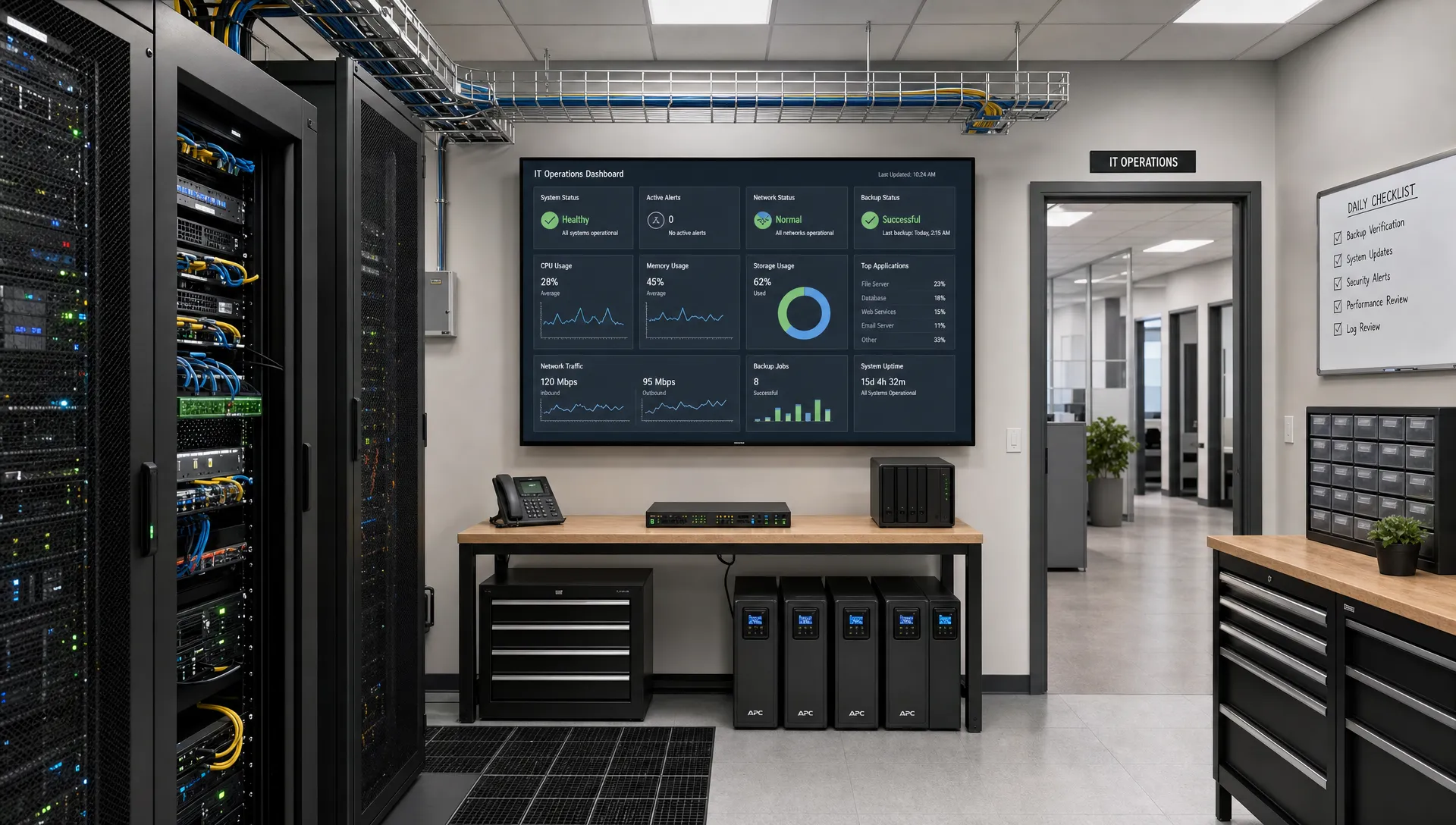
Without monitoring, these signs can go unnoticed until the business is already disrupted. With 24/7 system monitoring, the IT team can receive alerts when defined thresholds are crossed, then take action before the issue becomes a larger incident.
Monitoring is especially valuable for systems that employees expect to be always available, such as email, internet connectivity, file access, point-of-sale systems, cloud applications and VoIP phone service. If your phone system goes down during business hours, the impact is immediate. If a backup fails silently, the impact may not be visible until the day you need to restore data.
The cost savings come from reducing the time between the first technical warning and the first corrective action. Shorter detection time usually means less damage, fewer affected users and less expensive recovery work.
2. Preventive maintenance reduces failure and emergency labor
Preventive IT work is not glamorous, but it is one of the clearest ways managed IT services lower costs. Regular patching, firmware updates, device health checks, license reviews, endpoint maintenance and network cleanup all reduce the likelihood of avoidable outages.
Patch management is also a security issue. The CISA Known Exploited Vulnerabilities catalog tracks vulnerabilities that are being actively exploited, which is why a disciplined patching process matters. When patching is delayed or handled inconsistently, businesses carry risk for longer than necessary.
Preventive maintenance also helps control technical debt. Old devices, undocumented workarounds and delayed upgrades may seem cheaper in the moment, but they create recurring hidden costs. Shring Technologies explains this pattern well in its article on technical debt as the daily tax that businesses pay through slower work, higher risk and repeated interruptions.
A managed IT provider can help turn those issues into a roadmap. Instead of waiting for a critical workstation, server or network device to fail, leadership can plan replacements and upgrades around business priorities. Planned work is usually less disruptive than emergency work, and it is easier to budget.
3. Faster support cuts employee downtime
Employee downtime is often hidden inside small tickets. A staff member cannot print. A user is locked out of email. A laptop is slow. A shared folder is missing. A phone extension is not working. Each problem may look minor, but dozens of small disruptions can drain hours of productivity every week.
Managed IT services reduce that drain through structured support. A provider can triage tickets, resolve many issues remotely, escalate more complex problems and provide onsite help when needed. Because the provider already understands the environment, technicians do not have to start from zero every time.
This is where documentation matters. Asset records, network diagrams, admin procedures, vendor contacts and standard configurations help support teams resolve problems faster. When that documentation is missing, every incident requires more investigation, which increases labor cost and employee frustration.
The metrics that matter include response time, resolution time, recurring ticket volume and the number of users affected by each incident. Over time, a good managed services model should not only close tickets. It should identify patterns and remove root causes.
4. Cybersecurity prevents one of the most expensive types of downtime
Cyber incidents are downtime events. Ransomware can lock files, business email compromise can interrupt payments, phishing can expose accounts and malware can force systems offline for containment. Even when data is not permanently lost, the investigation and recovery process can stop normal work.
The NIST Cybersecurity Framework 2.0 organizes security around govern, identify, protect, detect, respond and recover functions. That lifecycle is useful for business leaders because it shows that security is not a single tool. It is a set of habits, controls and response plans.
For a small or mid-sized business, managed cybersecurity commonly includes multi-factor authentication, secure email filtering, endpoint protection, vulnerability management, least privilege access, monitored backups and user awareness. The exact stack should match the business, but the objective is consistent: reduce the chance of a security incident and limit the damage if one occurs.
This is also where one accountable IT partner is valuable. Security tools, email systems, cloud apps, endpoint devices and backup platforms all interact. If they are managed by separate vendors with no shared plan, response becomes slower. A managed IT provider can coordinate the controls and the response process.
5. Business continuity turns outages into recoverable events
Not every outage can be prevented. Power issues, internet failures, hardware defects, vendor outages, user mistakes and weather events can still happen. The difference between a manageable disruption and a costly crisis is often the quality of the backup and continuity plan.
Two terms are worth knowing:
| Term | What it means | Why it affects cost |
|---|---|---|
| Recovery Point Objective (RPO) | How much data the business can afford to lose | Shorter RPOs reduce rework after an incident |
| Recovery Time Objective (RTO) | How quickly systems need to be restored | Shorter RTOs reduce operational downtime |
| Restore testing | Verifying backups can actually be recovered | Tested backups reduce uncertainty during a crisis |
| Offsite backup | Backup data stored away from the primary environment | Offsite copies help protect against local failures and ransomware |
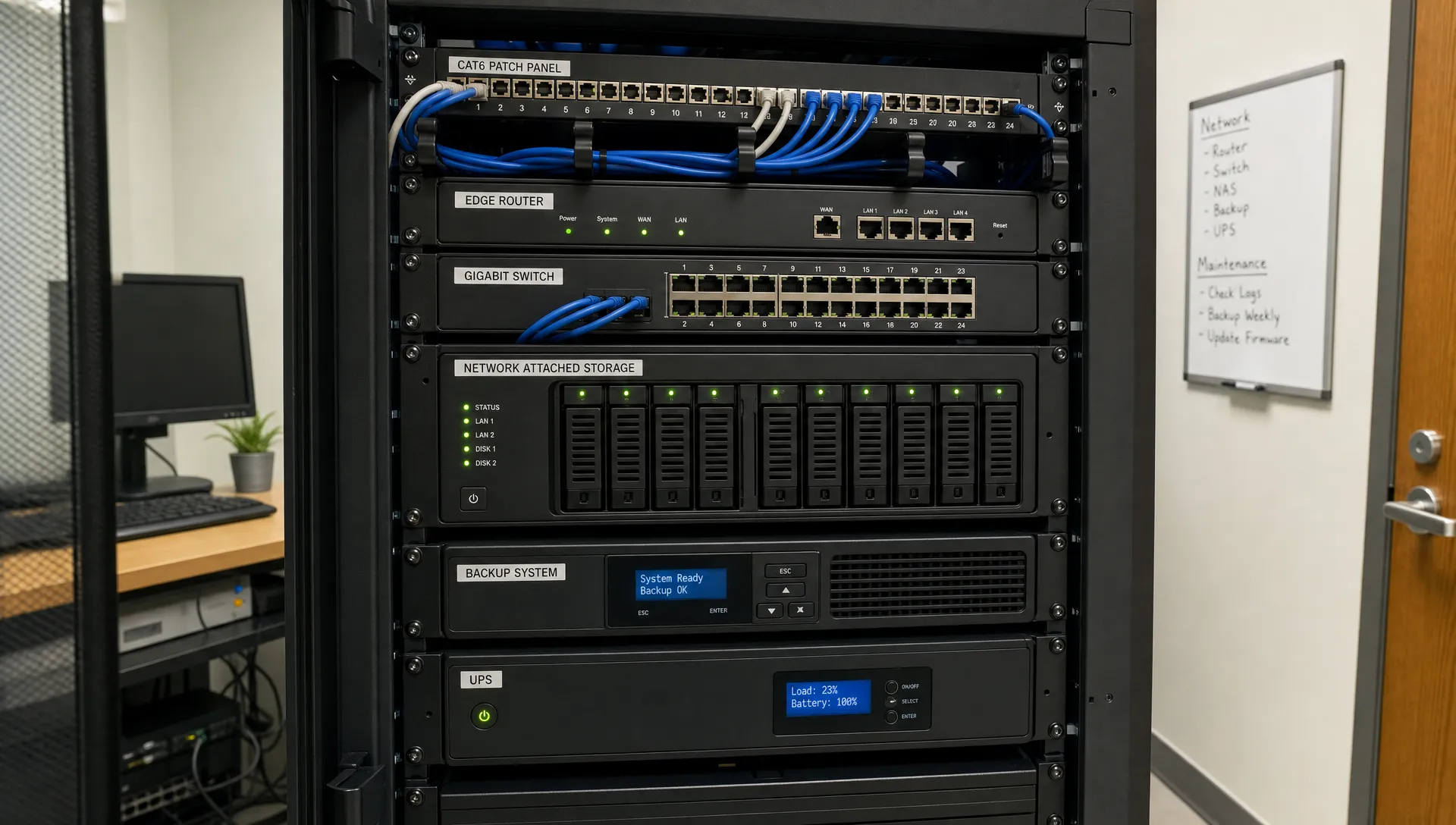
Backups only reduce downtime if they are monitored, secured and tested. A backup job that fails quietly for weeks creates a false sense of safety. Managed backup and business continuity services help ensure recovery plans are not just written down, but actively maintained.
Shring Technologies offers business continuity and secure backup services focused on actively managed, encrypted, offsite backups and real-time redundancy. For businesses that cannot afford prolonged interruption, that kind of recovery planning is a practical cost-control measure.
6. IT planning makes costs more predictable
Managed IT services do not make technology free. They make technology more manageable. Instead of unpredictable repair bills, rushed purchases and surprise security gaps, leadership gets a clearer view of what needs attention now and what should be planned for later.
A vCIO or strategic technology advisor can help align IT spending with business goals. That may include device lifecycle planning, cloud strategy, cybersecurity priorities, compliance needs, software consolidation, phone system planning and backup requirements.
| Reactive IT cost pattern | Managed IT cost pattern |
|---|---|
| Emergency repair bills after failure | Planned maintenance and support coverage |
| Duplicate tools and unused licenses | Regular review of software and services |
| Aging equipment kept too long | Lifecycle planning and budget forecasting |
| Vendors blaming each other | One team coordinating systems and support |
| Security added after an incident | Baseline security controls maintained over time |
The value is not only lower spending. It is better timing. Replacing a failing device during a planned maintenance window is less expensive than replacing it after it stops a department from working.
How to estimate the cost reduction for your business
You do not need a perfect financial model to evaluate managed IT services. Start by estimating the real cost of downtime today, then compare that to the cost of a managed services agreement and the risk reduction it provides.
| Cost input | How to estimate it |
|---|---|
| Employee downtime | Affected employees multiplied by fully loaded hourly cost multiplied by hours lost |
| Revenue impact | Average sales or billable work per hour multiplied by outage hours |
| Recovery labor | Internal time plus vendor invoices for repairs, cleanup and follow-up |
| Recurring issue cost | Number of repeated tickets multiplied by average time lost per ticket |
| Tool waste | Duplicate subscriptions, unused licenses and unsupported systems |
| Risk exposure | Potential impact of data loss, compliance issues or security interruption |
This exercise often reveals that unmanaged IT is already expensive. The cost is just scattered across payroll, missed opportunities, emergency invoices and avoidable stress. Managed IT services consolidate more of that cost into a predictable operating model.
What to ask before choosing a managed IT provider
The right provider should be able to explain how its services reduce downtime in practical terms. Avoid vague promises and ask about the operating details that affect reliability.
- Which systems are monitored 24/7, and what happens when an alert is triggered?
- How are patches prioritized, tested and applied?
- What cybersecurity controls are included in the service?
- How are backups monitored, encrypted and tested for recovery?
- What are the response and escalation processes for urgent issues?
- When is onsite support available, and what can be handled remotely?
- What reporting will leadership receive on tickets, risk and system health?
- How will strategic planning and budgeting be handled throughout the year?
The answers should be specific enough that you can see how the provider will prevent incidents, respond to problems and help leadership make better technology decisions.
The practical outcome for small and mid-sized businesses
For small and mid-sized businesses, the biggest advantage of managed IT services is not a single feature. It is the combination of proactive support, cybersecurity, backup, monitoring, strategic guidance and clear accountability.
A business that has one team watching systems, supporting users, securing endpoints, managing recovery plans and advising leadership is better positioned to avoid downtime and control costs. Employees get help faster. Leaders get fewer surprises. Technology becomes a business asset instead of a recurring source of disruption.
Shring Technologies supports organizations with proactive IT support, cybersecurity and threat prevention, business continuity and backup, VoIP phone services, secure business email, remote and onsite support, on-demand technical services and vCIO guidance. For businesses in the Southeast that want reliable, resilient and secure IT, that unified approach can make daily operations smoother and planning easier.
Frequently Asked Questions
How do managed IT services reduce downtime? Managed IT services reduce downtime through 24/7 monitoring, preventive maintenance, patch management, cybersecurity controls, faster support and tested backup processes. The goal is to detect problems earlier, resolve them faster and prevent recurring issues.
Do managed IT services lower IT costs immediately? They can reduce emergency spending quickly, especially if a business has frequent outages or support issues. The strongest savings often come over time through fewer incidents, better planning, cleaner systems and lower security risk.
What is the difference between managed IT and break-fix support? Break-fix support responds after something breaks. Managed IT services provide ongoing monitoring, maintenance, support and planning for a predictable fee, which helps prevent issues instead of only reacting to them.
Should a small business still have internal IT staff? Some businesses use managed IT services as their full IT function, and others use them to support an internal team. The right model depends on company size, complexity, compliance needs and how much day-to-day support is required.
What should be included in a managed IT services agreement? A strong agreement should clarify monitoring scope, covered users and devices, support channels, response process, cybersecurity services, backup responsibilities, onsite support, reporting and strategic planning.
Make downtime and IT spending more predictable
If your business is relying on last-minute fixes, unmanaged backups or reactive support, downtime is likely costing more than it appears. A proactive managed IT model can help you reduce interruptions, improve security and plan technology spending with more confidence.
To explore what that could look like for your organization, connect with Shring Technologies and start building a more reliable, resilient and secure IT environment.